How to Showcase Before-and-After Cleaning Work on Your Website
How cleaning businesses can plan honest, useful before-and-after photos with consistent framing, client privacy, clear captions and fast mobile delivery.
Before-and-after photography can help a cleaning customer judge the type of work, the surfaces handled and the care taken. It is most useful when it is treated as evidence, not decoration. That means choosing representative jobs, capturing them consistently and providing enough context for a visitor to understand what changed.
Choose work that reflects the services you want
Start with priority services. An exterior cleaner might collect house washing, concrete, roofs, driveways and commercial exteriors. A bond cleaner might document kitchens, bathrooms and whole-property condition with permission. A commercial cleaner may need broader site context rather than a close-up of a single surface.
Do not publish every job. Select examples that show different services, surfaces, property types or constraints. A smaller relevant gallery is more useful than dozens of near-identical images.
Capture a fair comparison
Take the before and after from the same position, height and angle. Use similar lighting when possible. Keep the lens clean and avoid heavy filters. If weather or daylight changed materially, acknowledge it rather than presenting the images as a controlled comparison.
Include enough surrounding context to identify the surface, but avoid clutter and private information. A labelled pairing is clearer than placing two unrelated images next to each other. On mobile, stack them in the same order every time and keep the labels visible.
Get permission and protect privacy
Agree with the customer on how photography may be used. Remove or avoid house numbers, faces, vehicle registrations, paperwork, security devices and identifiable personal belongings. Commercial sites may have their own approval process, brand rules or restricted areas.
Keep the original approval with the project record. If the client later asks for an image to be removed, the business should be able to identify every place it appears. Privacy matters more than adding another gallery item.
Write captions that add useful context
A caption should identify the service, surface and broad job context without publishing a private address. For example, describe a mould-stained patio ceiling cleaned as part of an exterior property service, or a concrete path treated for built-up organic growth. Explain the visible work without claiming an unmeasured benefit.
Avoid captions such as “amazing result” or “another happy customer” when they provide no detail. Do not claim a surface was restored to new, made safe or guaranteed to stay clean unless the business can substantiate that statement.
Place proof beside the relevant service
A central gallery can help visitors browse, but the strongest image should also appear near the service it supports. House-washing proof belongs on the house-washing page. Office-cleaning proof belongs in commercial context. Relevant reviews can sit nearby when they genuinely relate to that work.
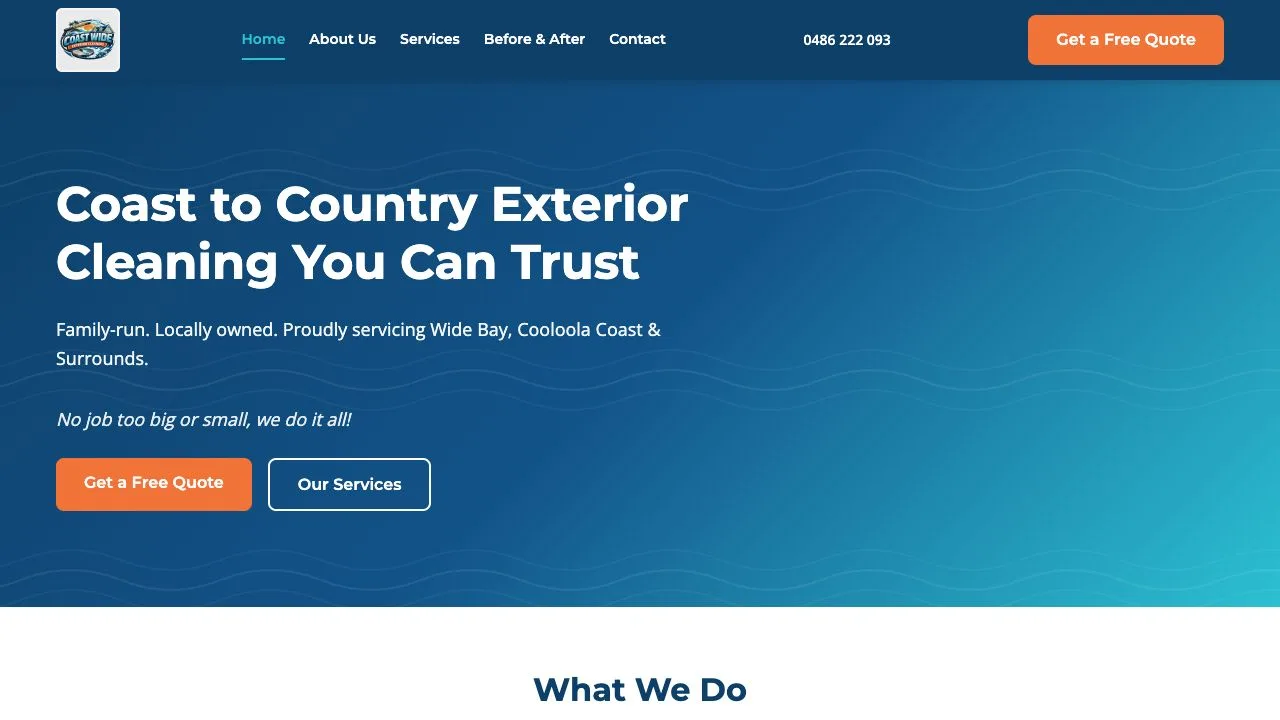
The Coastwide Exterior Cleaning website project uses a dedicated Before and After path plus visible proof on the customer journey. The purpose is to support the service explanation and quote action, not to create an isolated photo archive.
Use helpful image text
Alternative text should describe the meaningful visual content for someone who cannot see the image. A concise example is “Patio ceiling before exterior cleaning with visible mould and grime.” The paired after image might say “Same patio ceiling after exterior cleaning with surface staining removed.”
Do not stuff suburb and service keywords into every alt attribute. If an image is decorative and adds no information, an empty alt attribute may be more appropriate. Captions and nearby text can carry context without repeating the same phrase.
Keep the gallery fast on a phone
Resize images to the largest size they are actually displayed, compress them and use a modern format such as WebP. Reserve image dimensions in the layout so the page does not jump while loading. Load the first important image promptly and lazy-load later gallery items.
Avoid a heavy comparison slider unless it remains accessible with touch, keyboard and assistive technology. Two well-labelled images often communicate the result more clearly and with less code.
Create a repeatable photography process
Add a simple checklist to the team’s job close-out: confirm permission, remove identifying details, capture the same angle, record the service and surface, note any relevant constraint and save the images under a consistent project name. Review quality before publishing.
This process turns real work into a growing evidence library. It also makes future service pages and project summaries easier to create because the images already have context.
Connect proof to a useful next step
After a visitor sees relevant work, offer a clear path to request a similar service. The form can ask about surface, property type, suburb, approximate scope and photos when they help. Keep recurring commercial enquiries separate from one-off residential jobs.
For the complete page and enquiry plan, see cleaning business web design in Brisbane and the broader website guide for Brisbane trades.